
Petavue over Julius for B2B GTM. Here’s why.
Julius is a capable tool, but it sits on top of data warehouses and spreadsheets. It doesn’t connect natively to your GTM stack, so every analysis needs data engineering or messy export–import cycles. And because it’s tuned for academic analysis, its outputs often feel too technical for business users.
Petavue, on the other hand, plugs directly into Salesforce, HubSpot, Gainsight, and more. It enforces your company’s unique metrics, enables analysis in plain English; so GTM teams get insights they can trust and understand.
TRUSTED BY BUSINESS TEAMS AT







Integrates with your GTM stack






Where Does Julius AI Fall Short?

No GTM Integrations
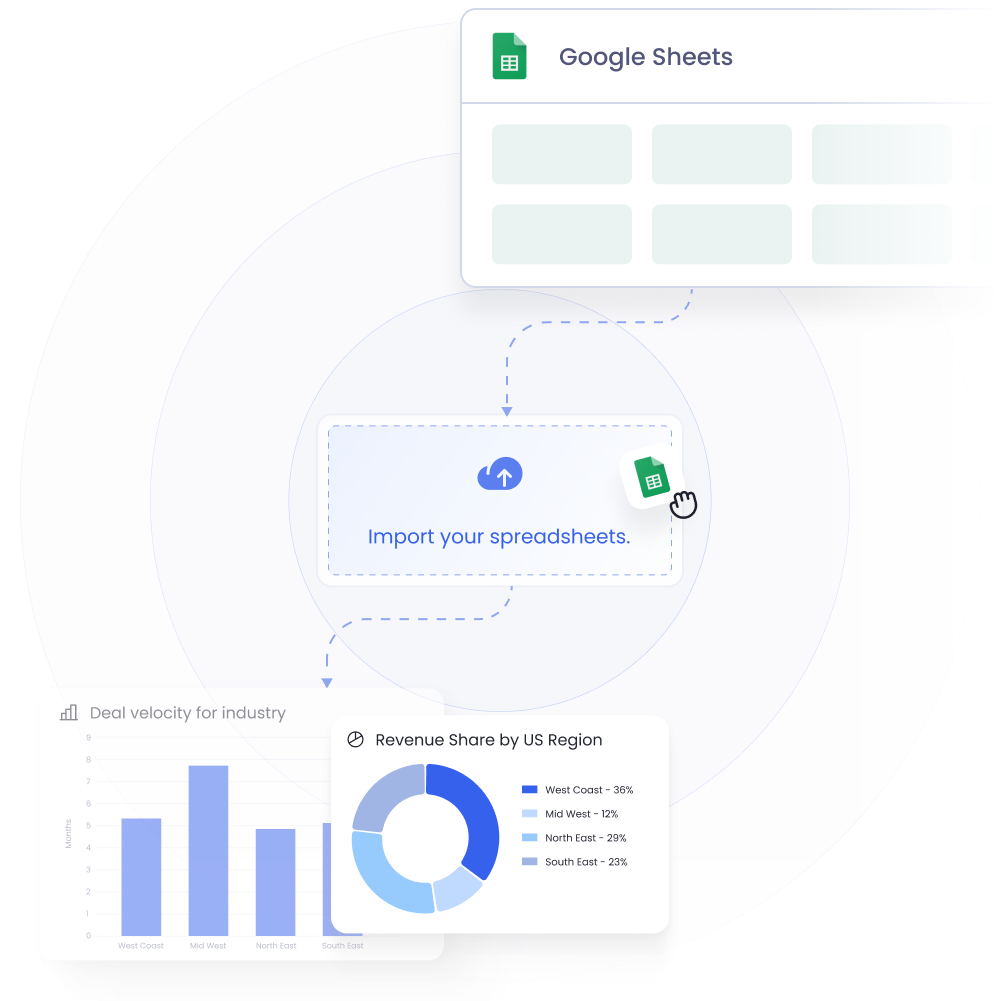
Julius connects to spreadsheets and warehouses, not GTM tools, so your data stays siloed.

No Metric Definitions
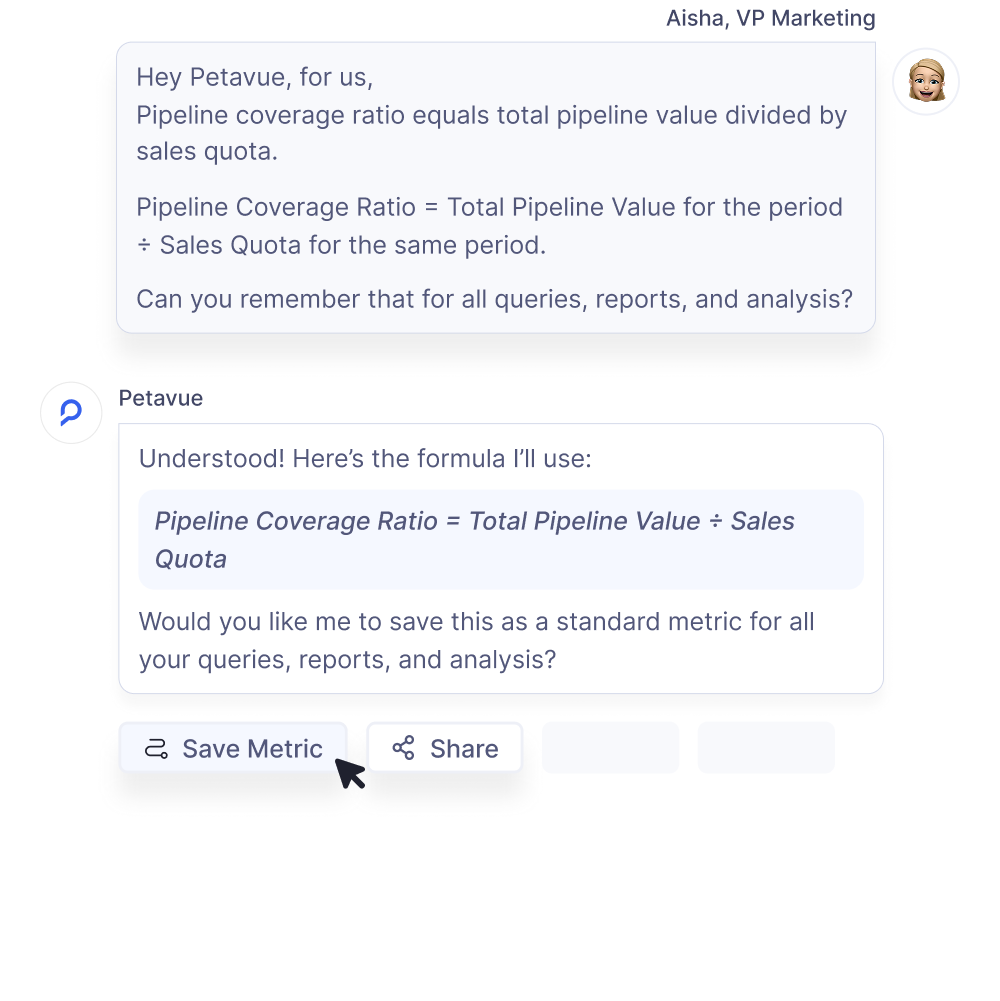
You can’t define or store your unique metrics or terms. Hence every new query risks a different answer.

Spreadsheet Sprawl
With excel exports being the only viable option, data loses lineage, accuracy, and audit trails.

Ad Hoc, Not Operational
It is best for quick exploration, not for QBRs, pipeline reviews, or board reporting.

Low trust
No audit trails, governance, or role-specific validation for analysis or inferences.

Data-Skill Dependence
Non-technical users will find it challenging to understand the academic visualization and analyst-terms.

Petavue: Built for B2B GTM Data

Yes. Petavue unifies CRM, marketing, product, and CX data into one catalog, so cross-system insights and board-ready reporting are finally possible.
True, and you can do it with Petavue too. But spreadsheets are good for explorations or one-off analysis. Not for weekly reporting and analysis workflows.
Just tell Petavue once. It remembers your definitions, applies them everywhere, and ensures every report reflects your company’s KPIs—not a generic template.
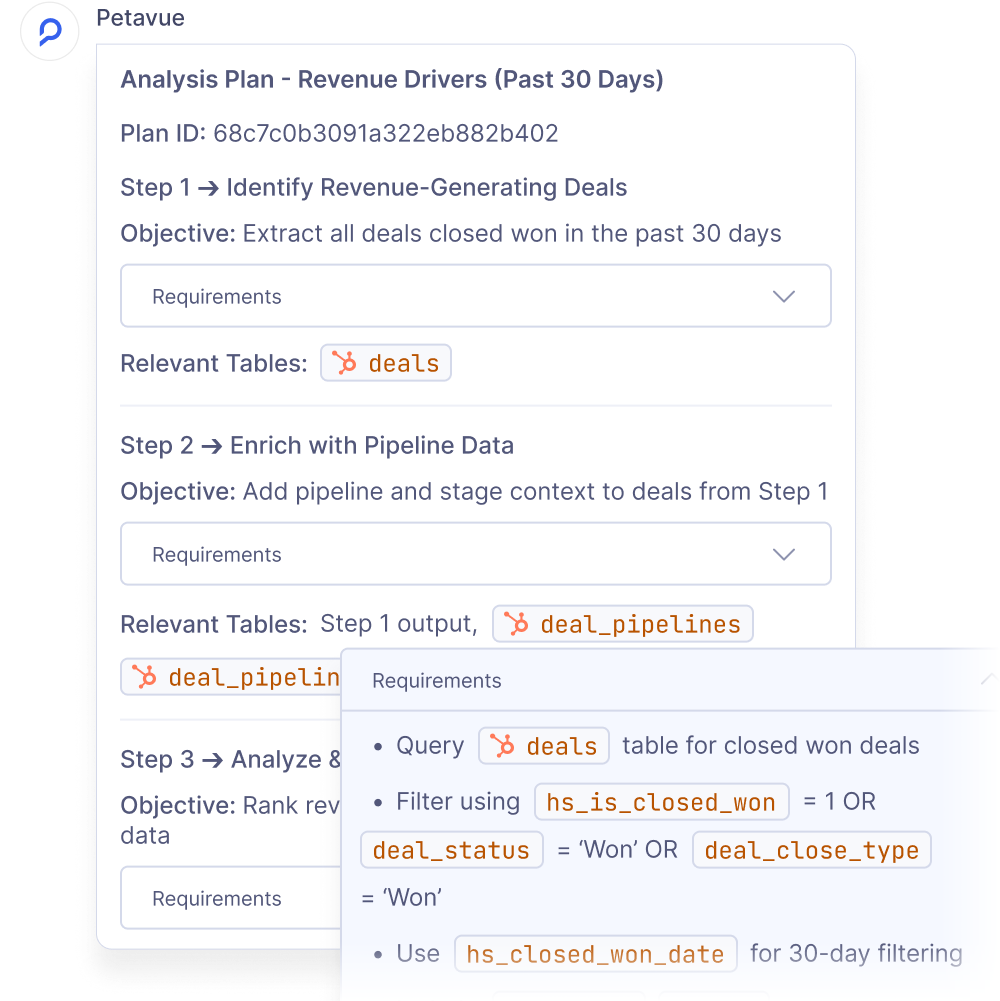
Absolutely. Ask revenue questions in plain English, drill into cohorts or segments, and refine follow-ups with pre-approved plans and clear “how we got this” explanations.
.gif)

So, Petavue is an AI Data Analyst? Yes and...

FAQs

.svg)